
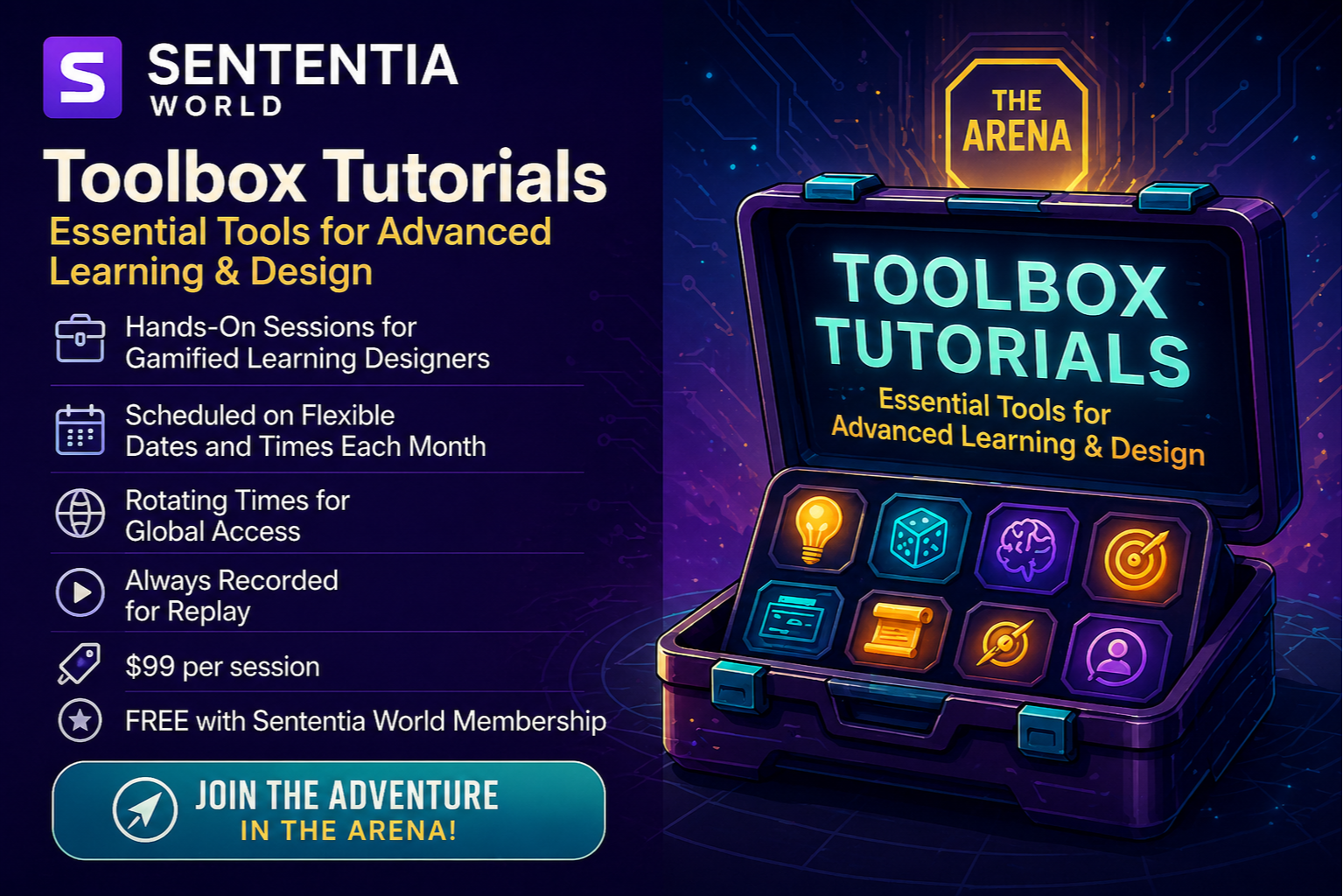
TOOLBOX TUTORIALS
Jump into our tutorials, and you'll start leveling up your game-making magic in no time.
Here in the Game Garage, it's all about rolling up your sleeves and getting into the nitty-gritty of creating, running, and reflecting on your own game-based learning adventures.

Unlock Gamification
Interactive and engaging instructional content that helps members unlock the full potential of gaming principles and tools for learning and development.

Level Up
These tutorials offer step-by-step guidance, integrating game mechanics and dynamics to make the learning process more immersive and fun.

Explore Gaming
Covering a wide range of topics, from analog game design and development to applying gamification strategies in eLearning and advanced AI tools.

Empower Learning
The aim is to empower learners to effectively use gamification and game-based learning techniques and tools to create engaging learning experiences.

AI Video Creation Made Simple:
From Idea to Finished Video
Course Length:
3-Hour Toolbox Tutorial
Overview:
In this 3-hour Toolbox Tutorial, Sue Peahl will show you how to create professional-quality videos using two simple AI tools.
This session is designed for people who need video but don’t have the time, budget, or technical background to produce it the traditional way. You’ll learn a straightforward process to go from idea to finished video using AI to support scripting, visuals, and delivery.
Sue will walk through the exact approach she used to create videos for GamiCon48V, then guide you as you build your own. This is a working session. You won’t just see what’s possible. You’ll create something you can use.
Who Should Attend:
This session is designed for professionals who need to create video content as part of their work but want a faster, simpler way to do it.
It’s a strong fit for instructional designers, facilitators, consultants, and L&D leaders who are building training, marketing content, or internal communications. It also works well for independent consultants who need to produce content quickly without relying on outside production support.
No prior video editing experience is required.
Why This Workshop Matters:
You don’t need a production team to create effective video content.
In this 3-hour Toolbox Tutorial, Sue Peahl will show you how to create polished, usable videos using two simple AI tools. You’ll learn how to move from idea to finished video quickly, without getting stuck in complex software or long production cycles.
Sue will walk through the exact process she used to create videos for GamiCon48V, then guide you as you build your own. This is not a demo. It’s a working session designed to help you create something you can actually use in your programs, your marketing, or your client work.
If video has been sitting on your list but never quite gets done, this session gives you a clear place to start.
Why Choose This Course?
Most people know they should be using video, but the process feels too time-consuming or too technical.
This course focuses on a practical alternative. Instead of learning complex editing tools, you’ll learn how to use AI to simplify the process and reduce production time while still creating something that looks professional.
You’ll leave with a repeatable approach you can use again and again, not just a one-time experience.
Course Highlights
- Create a finished video during the session
- Learn two simple AI tools you can start using immediately
- Follow a clear, repeatable workflow
- No editing background required
- See real examples from GamiCon48V
- Get guided support while you build
Who Should Enroll?
Enroll if you are responsible for creating content and want a faster way to produce video without sacrificing quality.
This includes instructional designers, trainers, consultants, and business owners who need to communicate ideas clearly and efficiently through video.
If you’ve been putting off video because it feels too complicated or time-consuming, this session is designed for you.
Cost:
$99 for Individual Registration
FREE for Game Garage Members
Includes live session + full access to the recording and downloadable tools
Date: Monday, May 11
Time: 10:00 a.m. - 1:00 p.m. CT
How to Register for Toolbox Tutorials
Choose Option 1 or 2:
-
🧰 Individual Registration: Choose the tutorial that piques your interest and register for just $99 per session.
-
🛠️ Exclusive Game Garage Membership: For an unbeatable value, subscribe to the Game Garage at $29/month (or SAVE with an annual membership). Not only will you become a part of our vibrant community, but you'll also gain complimentary access to all Toolbox Tutorials for you and your team. It's exceptional learning at an unmatched price!
If video has been on your list, this is where to start. You’ll go from idea to finished video in a single session and leave with a process you can use again and again.
